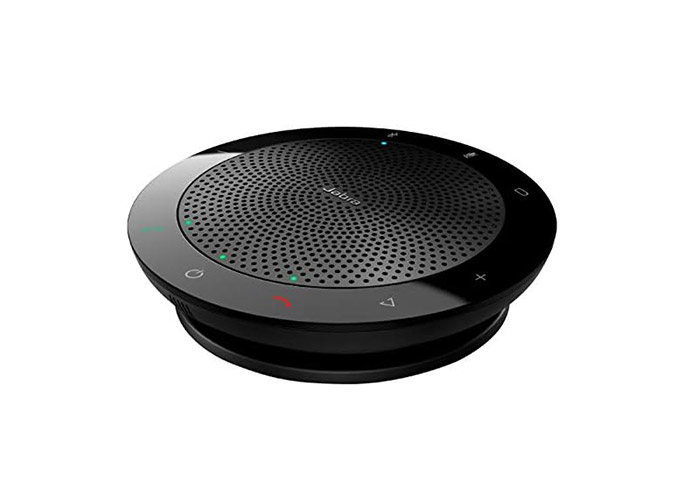
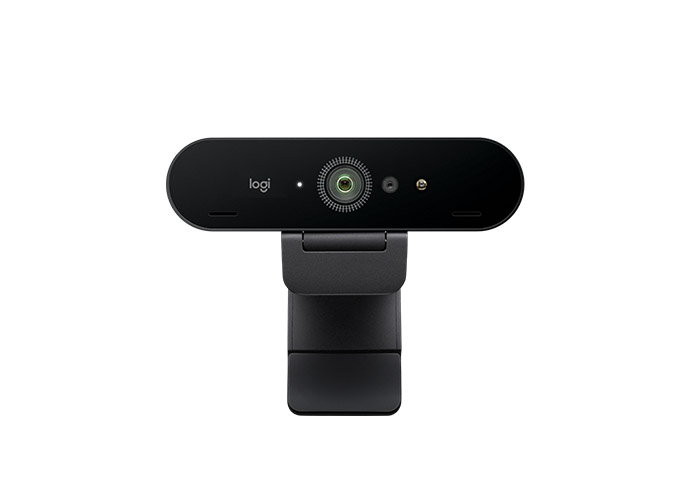
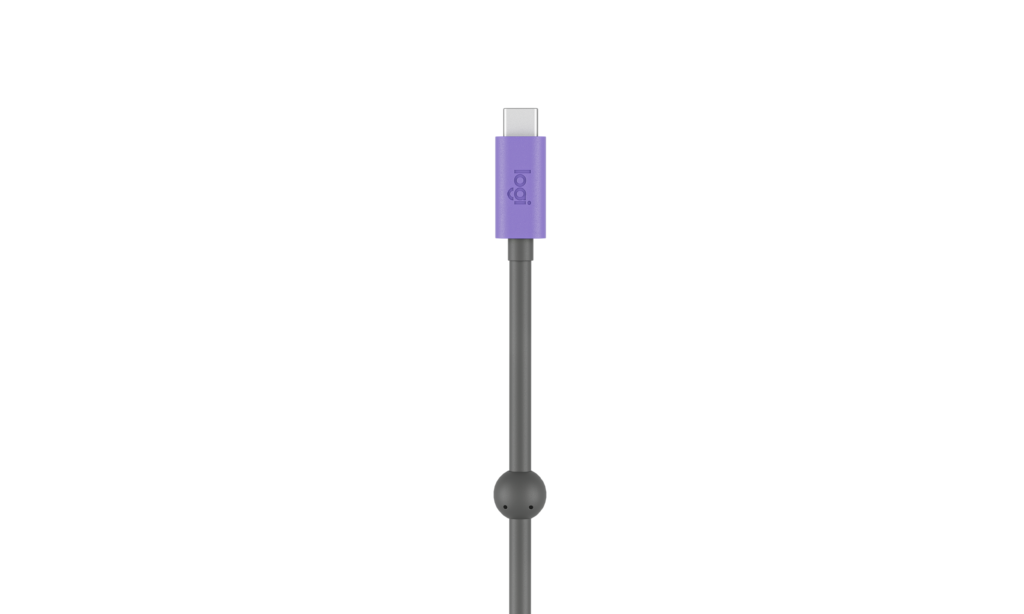
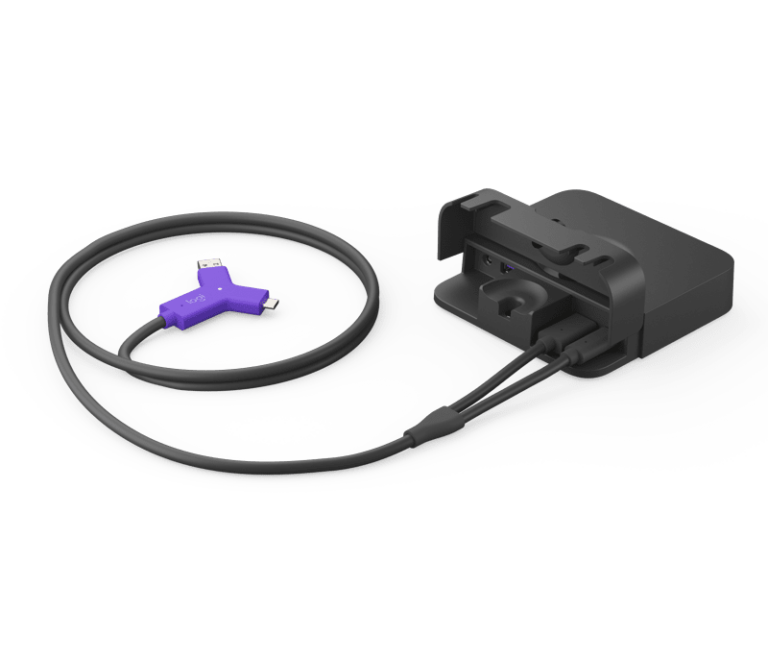
The first devices featuring the (at the time) new USB-C started appearing in 2015. Smaller, faster, and more reversible than USB-A, it is now standard on new laptops, phones, and electronics, and will continue to increase in popularity in the future. Not all USB-C ports are created equal, and the differences can create problems for your users in Teams Rooms Wired BYOD.
USB-C Variations
Despite using the same physical connector, USB-C capabilities can widely vary by device and manufacturer.
Data Transfer Speeds
USB-C can support a wide range of actual USB protocols from USB 2.0 (480Mbps) all the way up to USB4 2.0 (80Gbps).
Version
AKA
Marketing Name
Max Speed
Connector Types
USB 2.0
Hi-Speed USB
USB 480Mbps
480 Mbps
USB-A, USB-C, Micro-B
USB 3.2 Gen 1
USB 3.0 / USB 3.1 Gen 1
SuperSpeed USB 5Gbps
5 Gbps
USB-A, USB-C
USB 3.2 Gen 2
USB 3.1 Gen 2
SuperSpeed USB 10Gbps
10 Gbps
USB-A, USB-C
USB 3.2 Gen 2×2
—
SuperSpeed USB 20Gbps
20 Gbps
USB-C only
USB4 Gen 2×2
USB4 20Gbps
USB4 20Gbps
20 Gbps
USB-C only
USB4 Gen 3×2
USB4 40Gbps
USB4 40Gbps
40 Gbps
USB-C only
USB4 Version 2.0
USB4 80Gbps
USB4 80Gbps
80 Gbps (symmetric), 120 Gbps (asymmetric)
USB-C only
Display Port Alt Mode
DP Alt Mode allows a USB-C port to send a display signal by repurposing some of the connections’ high-speed lanes to carry a video signal. Manufacturers can choose whether or not to implement this optional feature, and it is omitted in some entry-level laptops. To make things worse, there is no universal label for this capability (unlike Thunderbolt), so users often are not aware when their laptop does not support it.
Thunderbolt
Thunderbolt 3 and 4 also use the USB-C connector but deliver significantly higher performance: 40 Gbps bandwidth, guaranteed video output, PCIe device support, and the ability to daisy-chain up to six devices. A Thunderbolt port will work with any USB-C device by falling back to standard USB-C speeds, but a regular USB-C port cannot take advantage of Thunderbolt features. Thunderbolt ports are typically marked with a small lightning bolt icon, which can sometimes be confused with charging indicators on non-Thunderbolt ports.
USB Power Delivery (PD)
USB-C supports Power Delivery, a protocol that negotiates higher voltage and wattage for charging (up to 240W in the latest spec – my HP Omen 14 has USB-C PD 3.1 EPR which charges at 140W). However, not every USB-C port supports PD, and not every cable does either.
Implications for Teams Rooms Wired BYOD
In a single cable Wired BYOD setup, a user walks into the room and plugins a single USB-C cable into their laptop. They expect to connect to the room’s camera, speakers, microphone, and display. If the user’s laptop does not support DP Alt Mode on the USB-C port they plugged into, the audio, speakers, and camera peripherals may work, but they will not see the video call on the room’s display. The user generally will not see any sort of error; it simply will not work.
For teams deploying Wired BYOD rooms, the simplest way to avoid these issues is to ensure the room’s USB-C cable and switching hardware support DP Alt Mode, and to clearly communicate to users that their laptop’s USB-C port must also support DP Alt Mode for video output to work.