Nits and lumens both describe brightness, but they measure different things.
Lumens measure the total light output of a projector.
Nits measure the brightness of a display surface viewed directly.
Projectors and direct-view displays behave differently in real environments.
Lumens: Projector Light Output
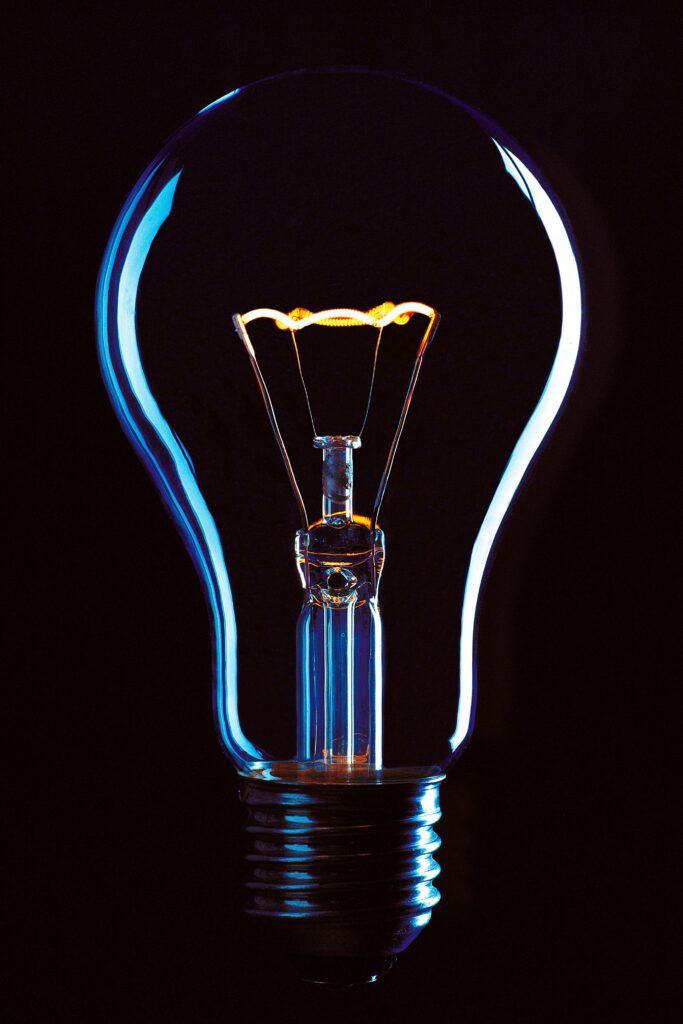
A lumen (a unit of luminous flux) measured the perceived brightness or power of a light source. It is calculated by taking the power of a light source and weighting it according to a luminosity function that models how sensitive our (assuming you are human) eyes are to different wavelengths. As a reference a typical 60-watt incandescent bulb produces around 800 lumens.
Since a lumen level if a measure of the entire light source, a projector rated at 5,000 lumens produces roughly the same total output regardless of screen size. As the image gets larger, that light spreads over more area and the image becomes dimmer. Screen size, therefore, is inseparable from projector brightness.
ANSI Lumens vs. Marketing Lumens
Brightness claims only matter if they follow a standardized measurement method.
ANSI lumens use a defined averaging procedure across multiple screen points.
ISO 21118 is the newer international standard now used by many manufacturers.
If a projector lists only “lumens” with no testing standard, treat the number cautiously. Non-standard brightness ratings are frequently inflated.
Nits: Direct-View Display Brightness
A nit measures luminance (typically for displays):
1 nit = 1 candela per square meter (cd/m²)
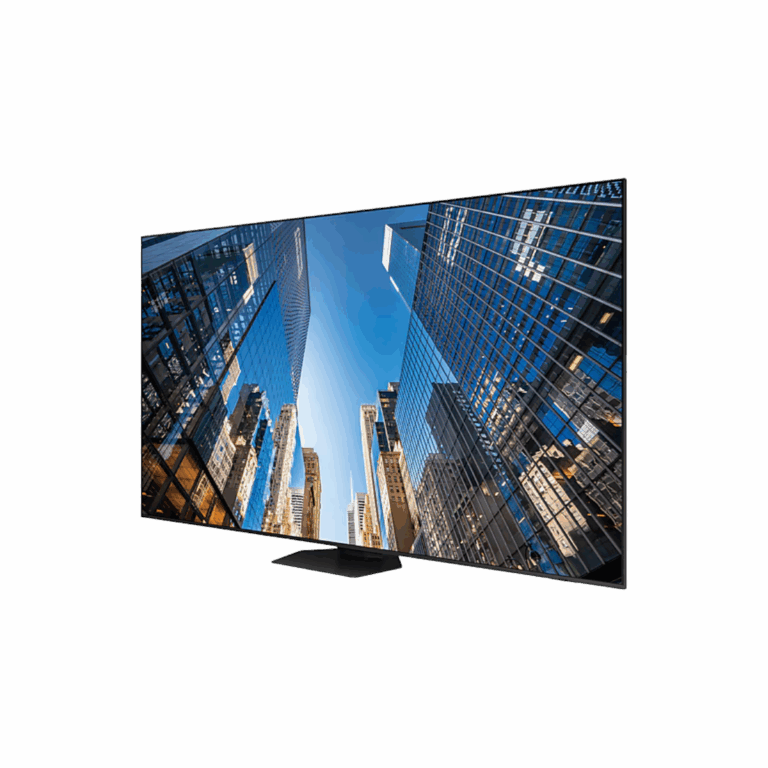
Unlike projection, direct-view displays generate the image at the screen surface itself. Brightness does not depend on throw distance or screen size.
As nits are per square meter a 700-nit LCD remains a 700-nit display whether it is 55″ or 165″.
Nits are therefore the standard specification for:
LCD displays
OLED displays
LED video walls (dvLED)
Commercial signage
Desktop monitors
Can You Convert Nits to Lumens?
Not directly. Lumens and nits describe different stages of the imaging chain:
Lumens = projector output
Nits = screen luminance
Converting between them requires:
Screen size
Screen gain
Projection geometry
The math is straightforward once you know the screen: divide the projector’s lumen output by the screen area (in square meters), multiply by screen gain, and divide by π. That gives you nits.
Example: A 5,000-lumen projector on a 100″ 16:9 unity-gain screen (~2.75 m²) produces roughly:
≈580 nits of white luminance
However, this represents an idealized maximum. Real-world brightness is reduced by:
Calibration modes
Lens losses
Uniformity variation
Aging light sources
Actual screen gain performance
For reference:
Commercial cinema targets roughly 48–55 nits
Presentation environments often target 100–275 nits
The key point is that projector brightness can only be compared to display brightness after accounting for the screen — a lumen rating alone tells you nothing about perceived image brightness.
Ambient Light and Contrast
Brightness alone does not determine image visibility.
Ambient light raises the display’s effective black level and reduces perceived contrast.
This is the primary weakness of projection systems in bright environments.
A projector screen can only appear as dark as the room allows. Direct-view displays maintain substantially better contrast because black levels originate at the display surface itself.
As a result:
A 500-nit display in controlled lighting may outperform a 1,000-nit display in direct sunlight
if ambient light destroys contrast.
When evaluating displays, contrast performance under actual room lighting conditions is often more important than peak brightness specifications.
Choosing Between Projection and Direct-View
Choose Projection When:
Very large images are required economically
Lighting can be controlled
A retractable or hidden display is preferred
Lower cost per square foot matters most
Projection remains the most cost-effective solution for large-format images in controlled environments.
Choose Direct-View When:
The room has high ambient light
The display operates continuously
Color consistency and contrast are critical
Maintenance access is limited
The installation faces windows or sunlight
Direct-view technologies, especially dvLED, maintain image quality in lighting conditions that can overwhelm projection systems.
The tradeoff is substantially higher initial cost.
FAQ
Are nits better than lumens?
Neither is “better.” They measure different characteristics for different display technologies.
Lumens rate projectors
Nits rate direct-view displays
Why do ANSI lumens matter?
ANSI or ISO-rated brightness measurements follow standardized testing procedures and allow meaningful comparisons between products.
Non-standard lumen ratings are often misleading.
Is 1,000 nits enough for a window-facing display?
Usually no.
Window-facing or daylight-exposed displays often require: